


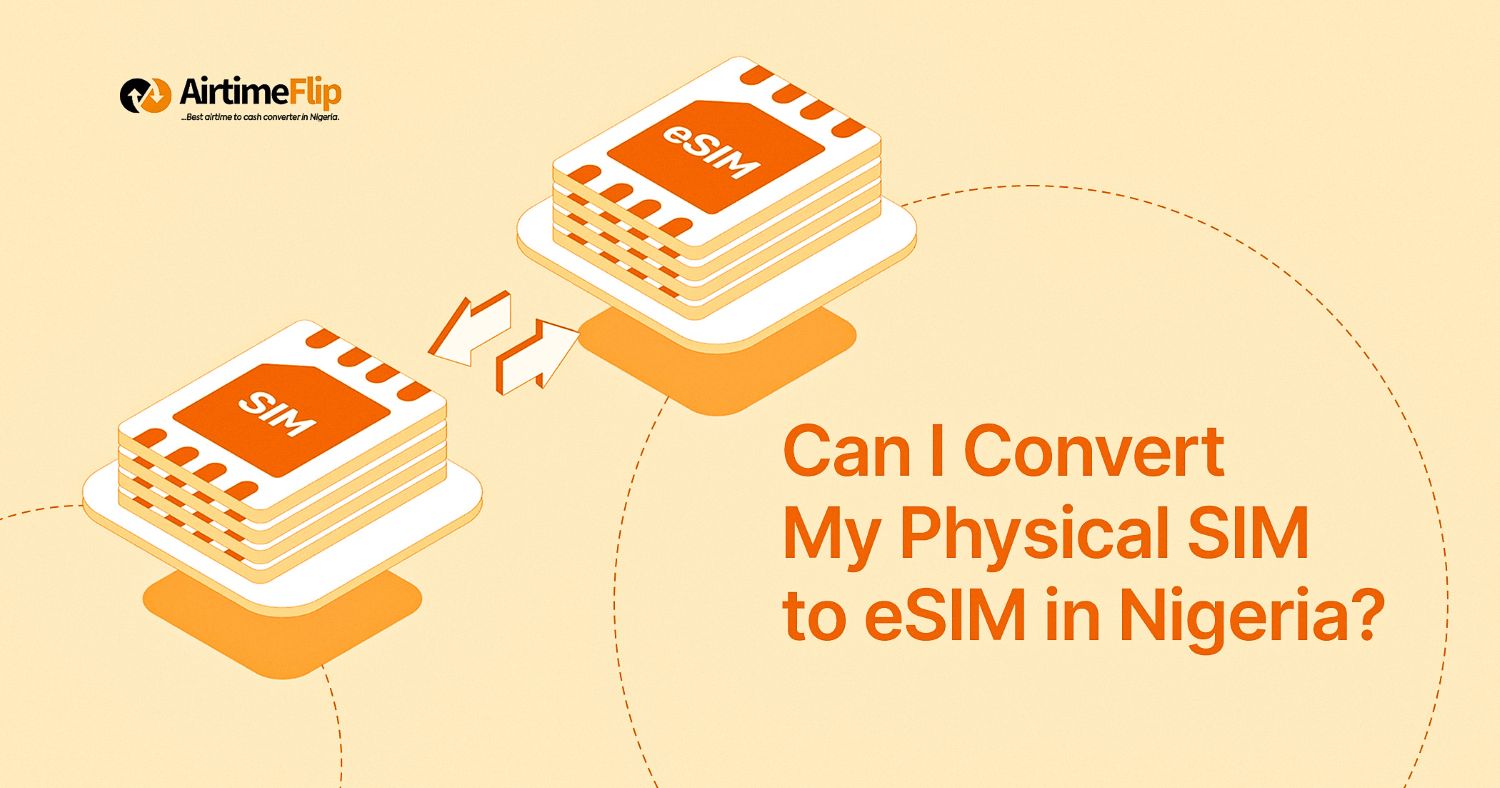
For some time now, eSIM adoption has been slowly increasing in Nigeria due to the availability of newer devices that support digital SIM technology. A common question that is now being asked by most Nigerians is: Can I convert my physical SIM to eSIM in Nigeria? Well, the answer is yes, and you only need the proper guide.
However, the process can sometimes depend on your network provider, device and location. Many devices and networks now allow eSIM conversion in Nigeria. A comprehensive guide explains which one is better between eSIM vs a physical SIM. Perhaps I’ll let you know what you’re signing up for.
Now, back to converting a physical SIM in Nigeria to an eSIM. To do that, you’ll need to follow a process. Before we jump into that, please note that your network provider might make the process seamless or stressful for you. With that being said, we will give a clear explanation on eligibility, supported devices, and how each network handles eSIM conversions.
Contents
What Does Converting a Physical SIM to eSIM Mean?
Before you go around turning that physical SIM card you’ve owned for 10 years into a digital one, here’s what you should know: When you convert a physical SIM to eSIM, it simply means you’re moving your existing phone number from a plastic SIM card into a digital SIM profile inside your phone.
Everything about you stays the same. You’d continue using your eSIM to make calls, send SMS and browse the internet as usual. All these happen without you inserting a physical SIM card into your device.
Eligibility Requirements in Nigeria
To convert a physical SIM to eSIM in Nigeria, you must meet the following conditions:
- Your smartphone must support eSIM technology.
- Your SIM line must be active and properly registered.
- Your NIN must be linked to the SIM.
- You must be the rightful owner of the line.
- You must be able to visit a network service centre for verification.
- Your device must be unlocked and not restricted to another carrier.
Supported Phones for eSIM Conversion
To convert from a physical SIM to an eSIM, only devices that have the built-in eSIM technology can use them. If you own any of the smartphones mentioned below, then you can convert to eSIM.
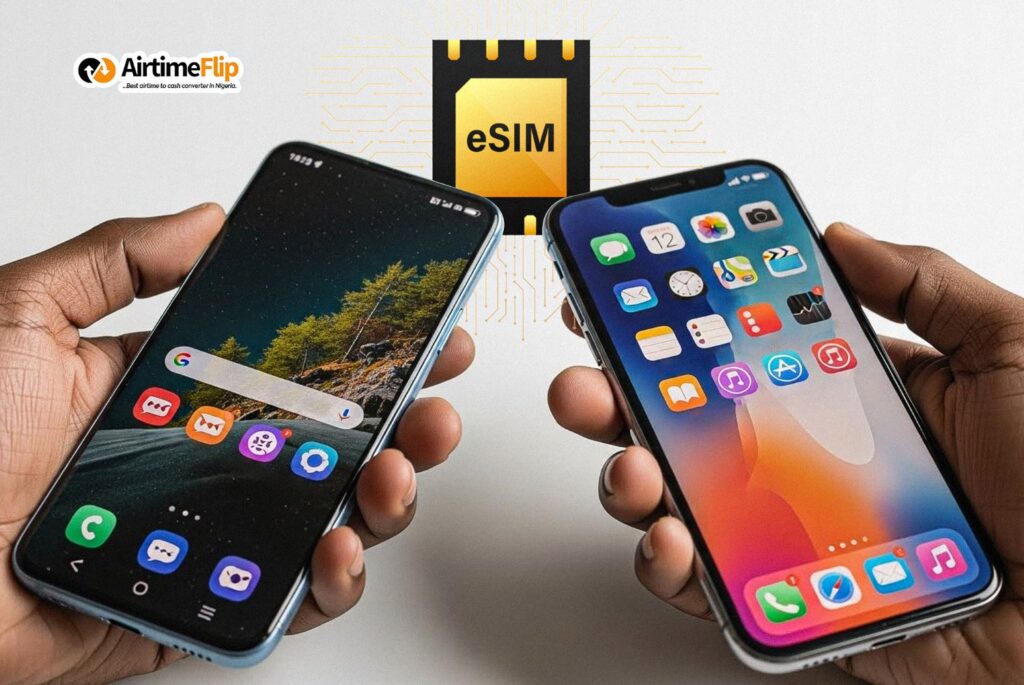
Supported iPhones
- iPhone XR, XS and XS Max
- iPhone 11, 11 Pro and 11 Pro Max
- iPhone SE (2nd and 3rd generation)
- iPhone 12 Mini, 12, 12 Pro and 12 Pro Max
- iPhone 13 Mini, 13, 13 Pro and 13 Pro Max
- iPhone 14, 14 Plus, 14 Pro and 14 Pro Max
- iPhone 15, 15 Plus, 15 Pro and 15 Pro Max
- iPhone 16, 16 Plus, 16 Pro and 16 Pro Max
- iPhone 17, 17 Plus, 17 Pro and 17 Pro Max
Supported Android Phones
Samsung
- Galaxy S20, S21, S22, S23 and newer models
- Galaxy Z Flip series (Flip 3 → Flip 6)
- Galaxy Z Fold series (Fold 2 → Fold 6)
Google Pixel
- Pixel 6, 6a
- Pixel 7, 7a, 7 Pro
- Pixel 8, 8 Pro
- Pixel 9, 9 Pro
- Pixel 10, 10 Pro
Xiaomi
- Xiaomi 12T Pro
- Xiaomi 13, 13 Lite, 13 Pro
- Xiaomi 13T, 13T Pro
- Xiaomi 14, 14 Pro
- Xiaomi 14T, 14T Pro
- Redmi Note 13 Pro+, Redmi Note 14 Pro, 14 Pro+
- Poco X7 and Poco 15/15 Ultra
Oppo
- Oppo Find N2 Flip
- Oppo Find N3, N3 Flip
- Oppo Find X3, X3 Pro
- Oppo Find X5, X5 Pro
- Oppo Reno 5A, Reno 6 Pro 5G
- Oppo Reno 9A
Vivo
- Vivo X80 Pro
- Vivo X90 Pro
- Vivo X100 Pro
- Vivo V40 and selected Vivo V-series
Network-by-Network eSIM Conversion Rules in Nigeria
Despite the rise of eSIM technology in Nigeria,eSIM conversion in Nigeria is not uniform across all mobile networks. Each operator has its own level of support, requirements and rollout status. Below is how the major networks currently handle physical SIM to eSIM conversion.
MTN Nigeria
Right now, MTN currently holds the most active and structured eSIM rollout in Nigeria. It’s much easier for users to convert their physical MTN SIM to eSIM by just visiting any MTN store in Nigeria. The MTN eSIM process requires identity verification using NIN. Once approved, you should be able to download and activate the eSIM on your smartphone. Once done, your physical SIM card will no longer be active for use.
Airtel Nigeria
For Airtel, their eSIM services are also available across different states and cities in Nigeria. However, physical SIM to eSIM conversion depends largely on location and whether the specific outlet has eSIM activation support. You’ll also need your NIN for KYC and an eSIM-supported device. Before walking into any Airtel outlet, you should confirm on their official website to determine which stores offer eSIM services.
Glo Nigeria
Glo’s eSIM services also remain one of the most active in Nigeria, and you can walk into any Glo World shop or Glo dealer for a conversion. Their process also requires NIN and a device that supports eSIM. After activation, you’ll get a free 5GB bonus when you buy a data plan worth N1,500 or more.
T2mobile
As one of the known network service providers in Nigeria, T2mobile (f.k.a 9mobile) also supports eSIM services. You can convert physical SIMs to eSIM at any experience centre in Nigeria. T2mobile currently has limited locations for eSIM conversion. Before heading to a store, you must confirm the service’s availability. You only need your NIN and a device that supports eSIM, plus your T2mobile number.
FAQs
Can I convert my eSIM back to a physical SIM?
- Yes, it’s possible, but you’ll need to get that done by visiting a service centre to request a new physical SIM.
Will my phone number change after conversion?
- Your phone number remains the same after converting to eSIM.
Is eSIM safer than a physical SIM?
- Yes. An eSIM can’t be stolen easily or used with any SIM-related fraud.
Can I use dual SIM after converting to eSIM?
- Yes, if your phone supports dual SIM functionality.
What happens if I change my phone?
- In situations where you change your phone, you’ll need to request for a new eSIM QR code from your network.
Conclusion
With so much insight shared about the physical SIM to eSIM conversion in Nigeria. Hopefully, you find this guide worth reading, and it also gives you all the details you’ll need before converting your physical SIM to an eSIM in Nigeria.
Airtimeflip now offers a way to purchase data-only eSIMs that work in over 100 countries. As soon as you activate it (check out our complete guide to activating AirtimeFlip eSIM), your smartphone can instantly connect to the local network in the country, enabling you to browse the internet wherever you go.